Choose your apps
Pick the apps or categories you want Kurrb to help with.
Kurrb pauses the apps that pull you in when they hit your limit. Take a quick reset, and your apps reopen.
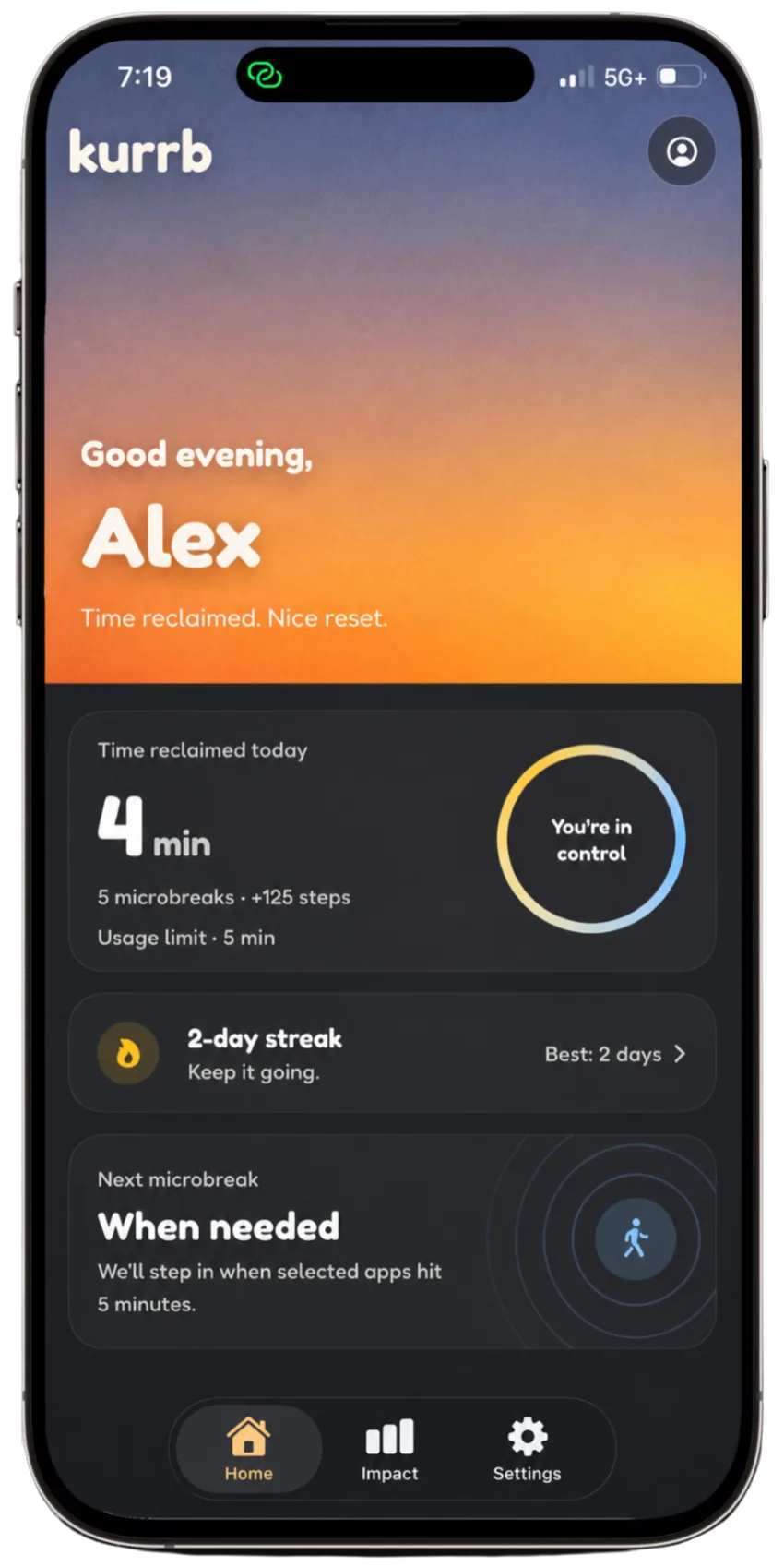
Kurrb adds a calm pause between the reflex and the feed. You stay in control of the apps you choose, the limit you set, and the reset that brings them back.
Kurrb uses Apple Screen Time and Motion & Fitness permissions to run a simple, voluntary microbreak loop.
Pick the apps or categories you want Kurrb to help with.
When selected apps reach your chosen limit, Kurrb starts a microbreak.
Your selected apps reopen after you complete your step reset.
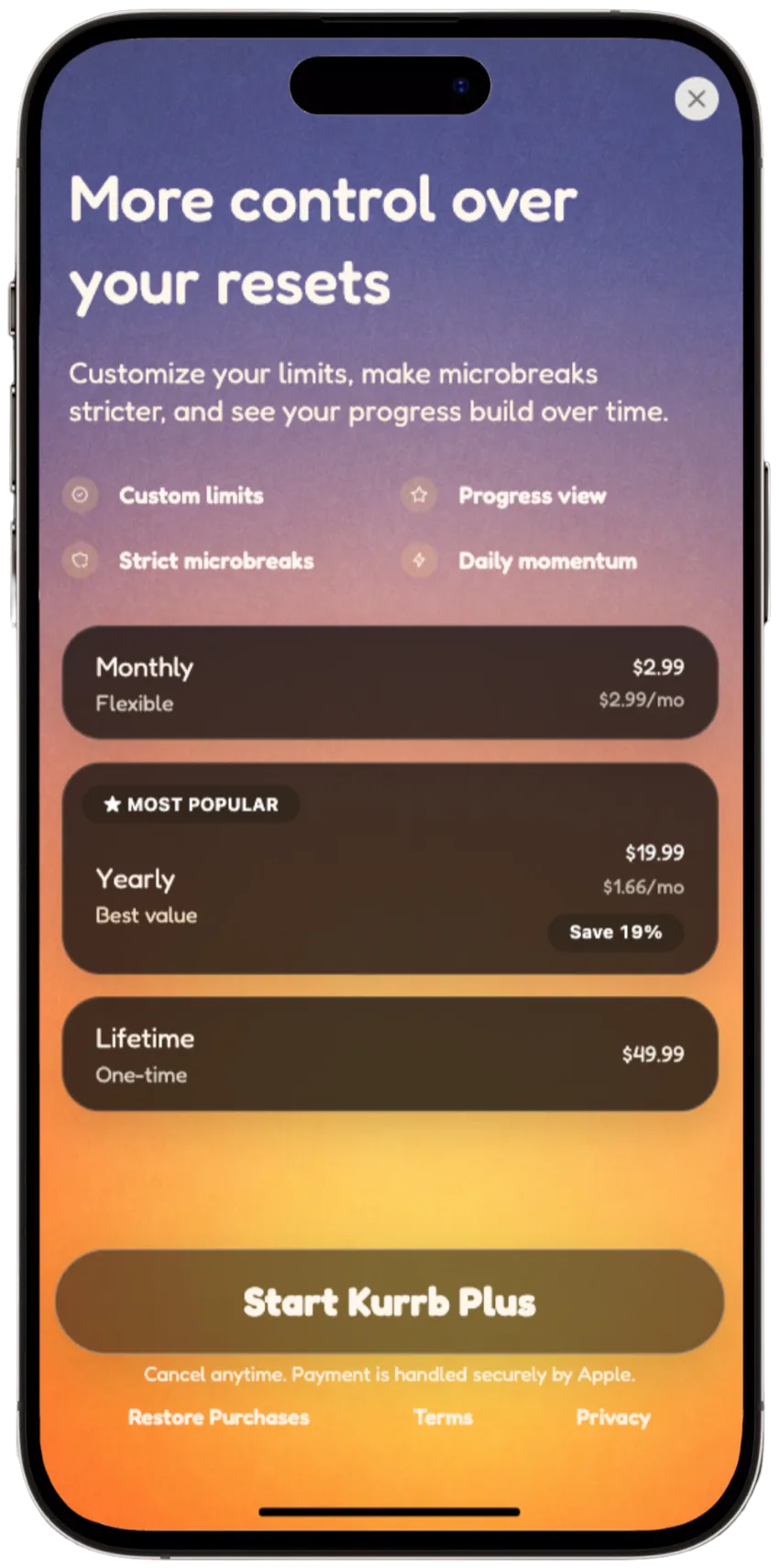
Kurrb is meant to help, not trap you. Free users can use skip or emergency unlock when available.
Selected apps, usage limits, step resets, and a simple sense of progress over time.
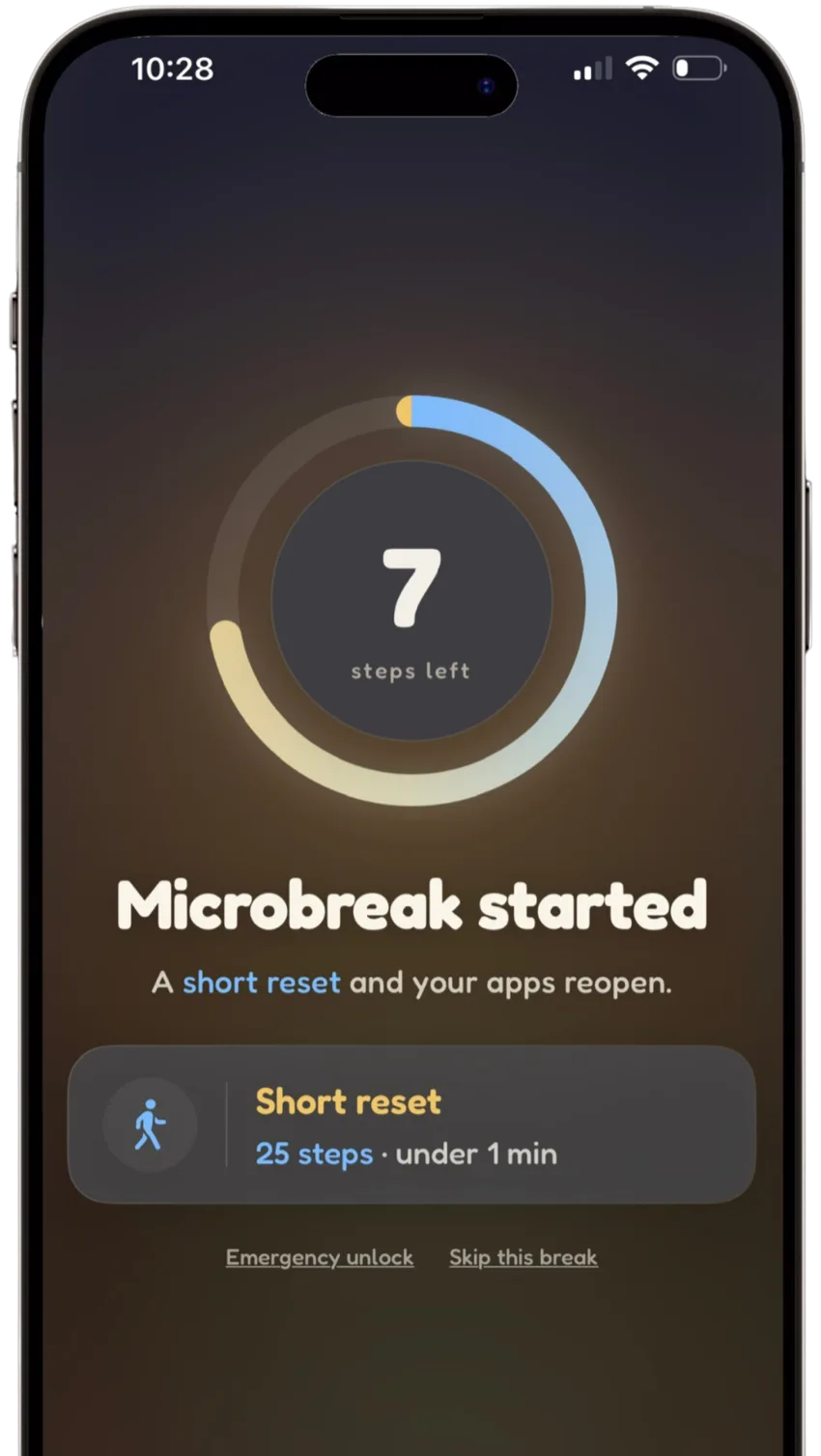
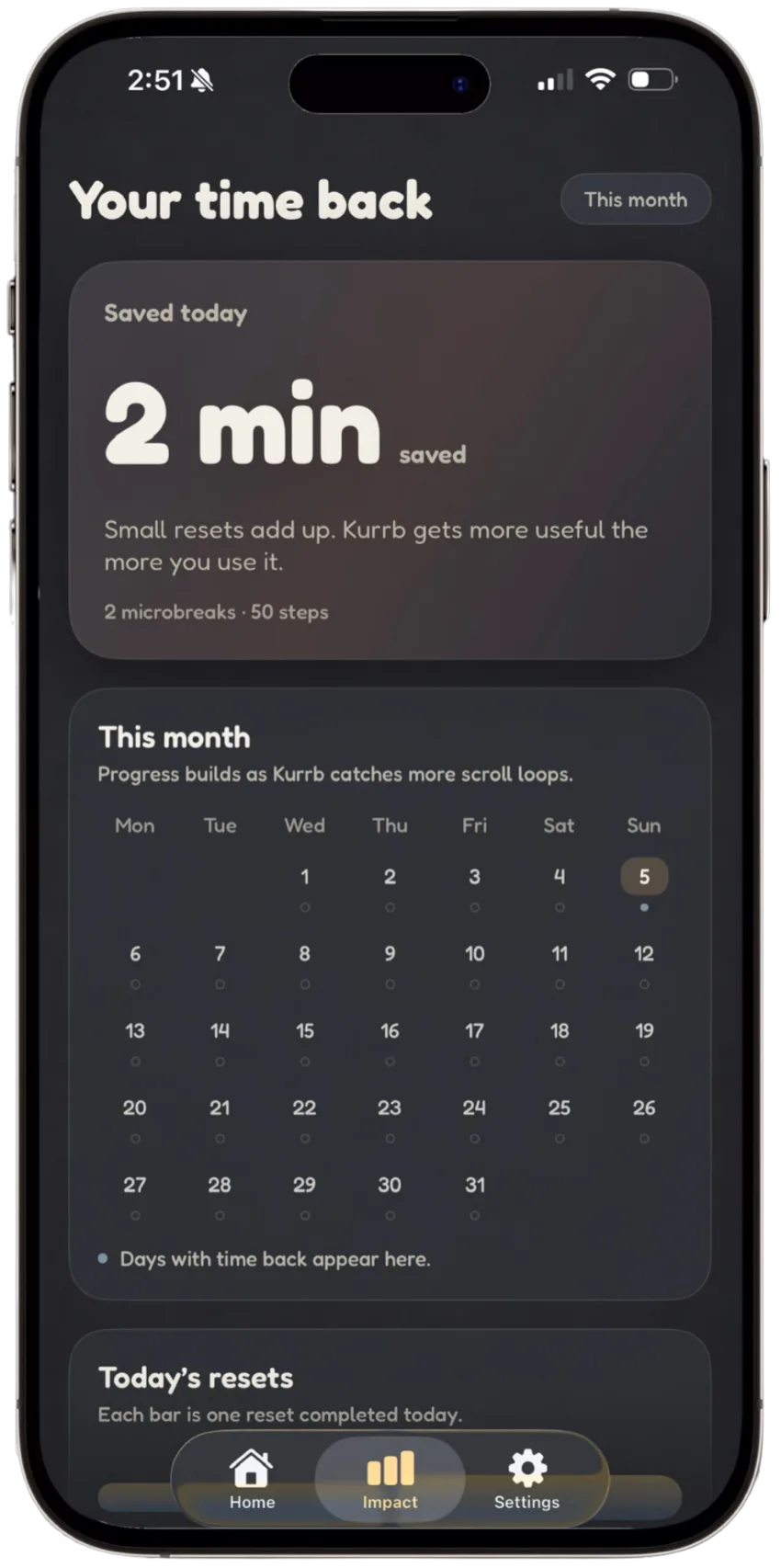
Kurrb uses the permissions needed for the microbreak loop and avoids collecting exact app names, exact usage, browsing history, or what you do inside apps.
Used to pause selected apps and categories. Kurrb receives opaque tokens from Apple and does not read app content.
Used to count steps for your reset. Step data is used on device and is not transmitted by the current version of Kurrb.
Kurrb does not require login or account creation. Your setup lives locally on your iPhone.
Read the full Privacy Policy or contact us at privacy@invara.ai.
 For iPhone
Kurrb uses Apple Screen Time and Motion & Fitness systems to help turn selected app usage into short resets.
For support, privacy questions, or launch updates, email hello@invara.ai.